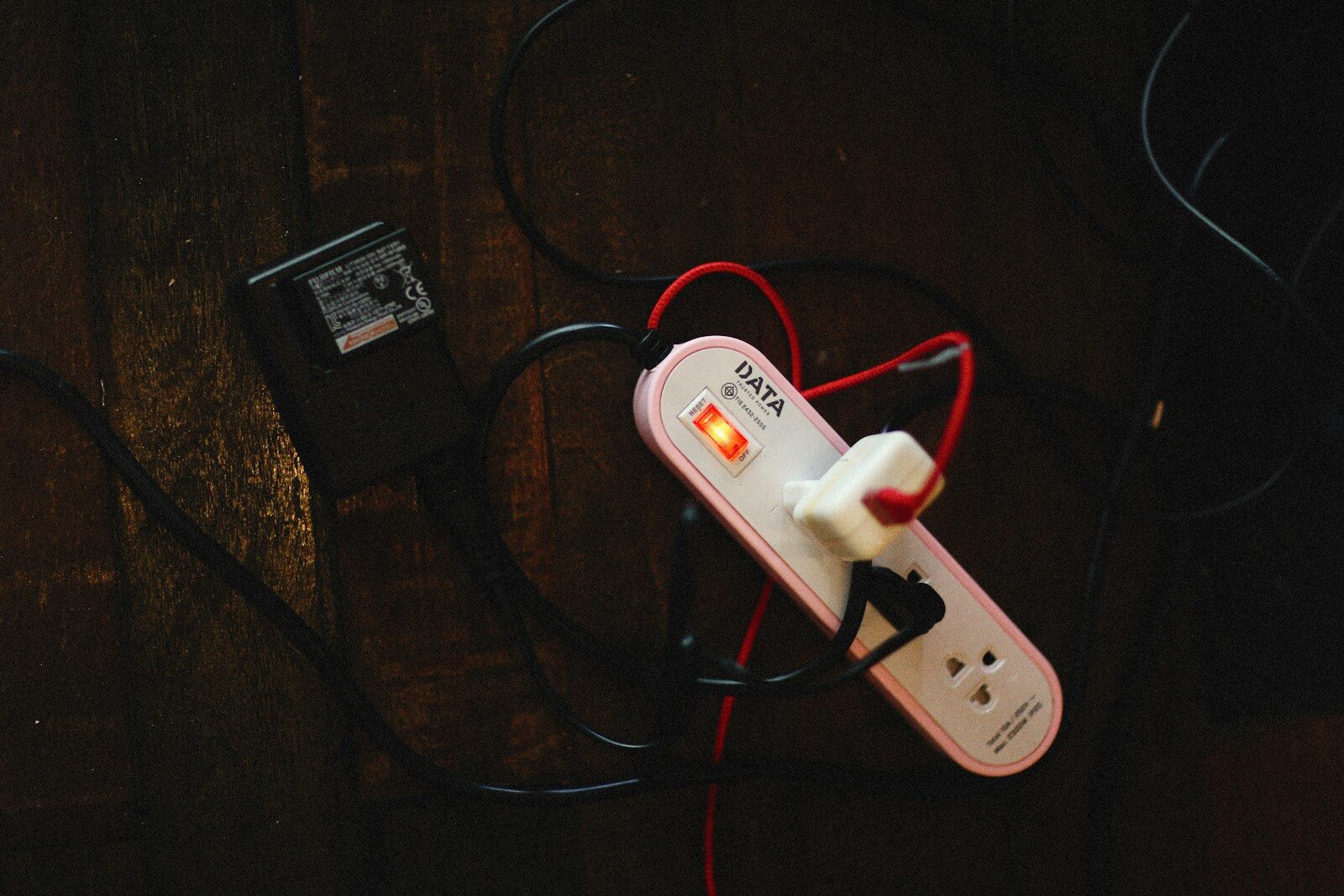
Vampire Power: Does Unplugging Devices Really Lower the Bill?

Vampire Power: Does Unplugging Devices Really Lower the Bill?

The television is off, the charger has no phone, and the coffee maker only shows a clock.

Yet some power still flows.

This standby use is often called vampire or phantom power.

Each device may use little, but a house full of devices can add up.

The Plain Answer

Unplugging some devices can lower the bill, but savings vary. Focus on older electronics, entertainment centers, printers, game systems, spare chargers, and devices with warm power bricks. Use a plug-in meter or advanced power strip instead of unplugging everything at random.

Why This Matters

A device may wait for a remote signal, network request, clock, sensor, or battery charge. In other words, the small detail can shape the larger result. When we see that link, we can make a calmer choice instead of reacting to the first screen, price, warning, or problem.

Newer efficiency rules have reduced standby use in many products, so old assumptions may be wrong. In other words, the small detail can shape the larger result. When we see that link, we can make a calmer choice instead of reacting to the first screen, price, warning, or problem.

The largest home energy costs still tend to come from heating, cooling, water heating, and major appliances. In other words, the small detail can shape the larger result. When we see that link, we can make a calmer choice instead of reacting to the first screen, price, warning, or problem.

How It Works

One watt used all year equals about 8.76 kilowatt-hours. Multiply that by the local electric rate for yearly cost. The exact tools and terms may vary, but the basic path stays the same. Knowing that path makes it easier to spot a missing step or an unusual demand.

A five-watt idle load at fifteen cents per kilowatt-hour costs about $6.57 a year. The exact tools and terms may vary, but the basic path stays the same. Knowing that path makes it easier to spot a missing step or an unusual demand.

Measuring several connected devices together can reveal a larger entertainment or office load than one charger shows. The exact tools and terms may vary, but the basic path stays the same. Knowing that path makes it easier to spot a missing step or an unusual demand.

A Practical Step-by-Step Plan

1. Measure first

Use a plug-in watt meter on devices that feel warm, have old power bricks, or sit idle for long periods. Do the step before you need it in a hurry. Save any useful confirmation, receipt, photo, setting, or contact so the next decision starts with facts.

2. Group entertainment gear

Use an advanced strip for a television, speakers, console, and related devices when the products allow it. Do the step before you need it in a hurry. Save any useful confirmation, receipt, photo, setting, or contact so the next decision starts with facts.

3. Unplug spare chargers

Remove chargers in guest rooms, drawers, shops, and travel bags when they are not needed. Do the step before you need it in a hurry. Save any useful confirmation, receipt, photo, setting, or contact so the next decision starts with facts.

4. Use sleep settings

Set computers, monitors, printers, and consoles to sleep quickly and turn off unused wake features. Do the step before you need it in a hurry. Save any useful confirmation, receipt, photo, setting, or contact so the next decision starts with facts.

5. Leave safety devices alone

Do not cut power to smoke alarms, security, medical equipment, sump alarms, or needed network gear. Do the step before you need it in a hurry. Save any useful confirmation, receipt, photo, setting, or contact so the next decision starts with facts.

6. Review old equipment

Check old cable boxes, receivers, second refrigerators, and printers before worrying about tiny modern chargers. Do the step before you need it in a hurry. Save any useful confirmation, receipt, photo, setting, or contact so the next decision starts with facts.

The Tradeoffs We Should See

Smart plugs use a little power themselves and make sense only when control or scheduling saves more. That does not make the option wrong. It means we should compare the benefit with the full cost, the work, and the risk that remains.

Cutting power can erase clocks, stop updates, or slow startup. That does not make the option wrong. It means we should compare the benefit with the full cost, the work, and the risk that remains.

Replacing old equipment uses money and materials, so the full savings and remaining life should be considered. That does not make the option wrong. It means we should compare the benefit with the full cost, the work, and the risk that remains.

Common Mistakes

  • Unplugging a modern charger while ignoring an old refrigerator
  • Turning off needed network and security gear
  • Buying many smart plugs without measuring
  • Cutting power before a safe shutdown
  • Expecting a huge bill cut from one charger

Most of these mistakes come from speed, not bad intent. A written checklist, one trusted source, and a saved record can prevent the same problem from returning.

Questions People Ask

Does an empty charger use power?

Many modern chargers use very little with no device attached, while older or poor-quality models may use more. When the answer affects safety, money, law, health, or a large purchase, check the current rule or ask a qualified professional who can see the full situation.

How much does one watt cost yearly?

One watt running all year uses about 8.76 kilowatt-hours. Multiply by the local rate. When the answer affects safety, money, law, health, or a large purchase, check the current rule or ask a qualified professional who can see the full situation.

Should I unplug the television?

The full entertainment center may matter more than the television alone. Measure or use an advanced strip. When the answer affects safety, money, law, health, or a large purchase, check the current rule or ask a qualified professional who can see the full situation.

Can unplugging damage electronics?

Normal unplugging is usually fine, but some products need a safe shutdown or continuous updates. When the answer affects safety, money, law, health, or a large purchase, check the current rule or ask a qualified professional who can see the full situation.

What should I check first?

Old boxes, consoles, desktop setups, printers, receivers, warm power bricks, and rarely used appliances. When the answer affects safety, money, law, health, or a large purchase, check the current rule or ask a qualified professional who can see the full situation.

A One-Minute Decision Check

Before we act, it helps to name the result we want, the largest risk, and the proof that would change our mind. For vampire power, this pause keeps a small choice from becoming a larger problem. We can ask who controls the process, what could fail, and what record we would want later. The check is short, but it brings the decision back into our hands.

What This Means at Home

At home, a plan works only when more than one person can follow it. Write the main rule for vampire power in plain words. Put the needed number, setting, document, or tool where the action happens. Tell the people who share the home what to do first. Review the plan after a move, a new device, a storm, a purchase, or another major change.

Hunt the Warm Bricks

Vampire power is real, but it is not a monster in every outlet. Measure the devices that stay warm or wait all day, cut idle loads with no purpose, and put most energy effort into the big systems.

Most of all, we do not need fear to make a careful choice. We need a clear first step, a good source, and enough time to check the result.