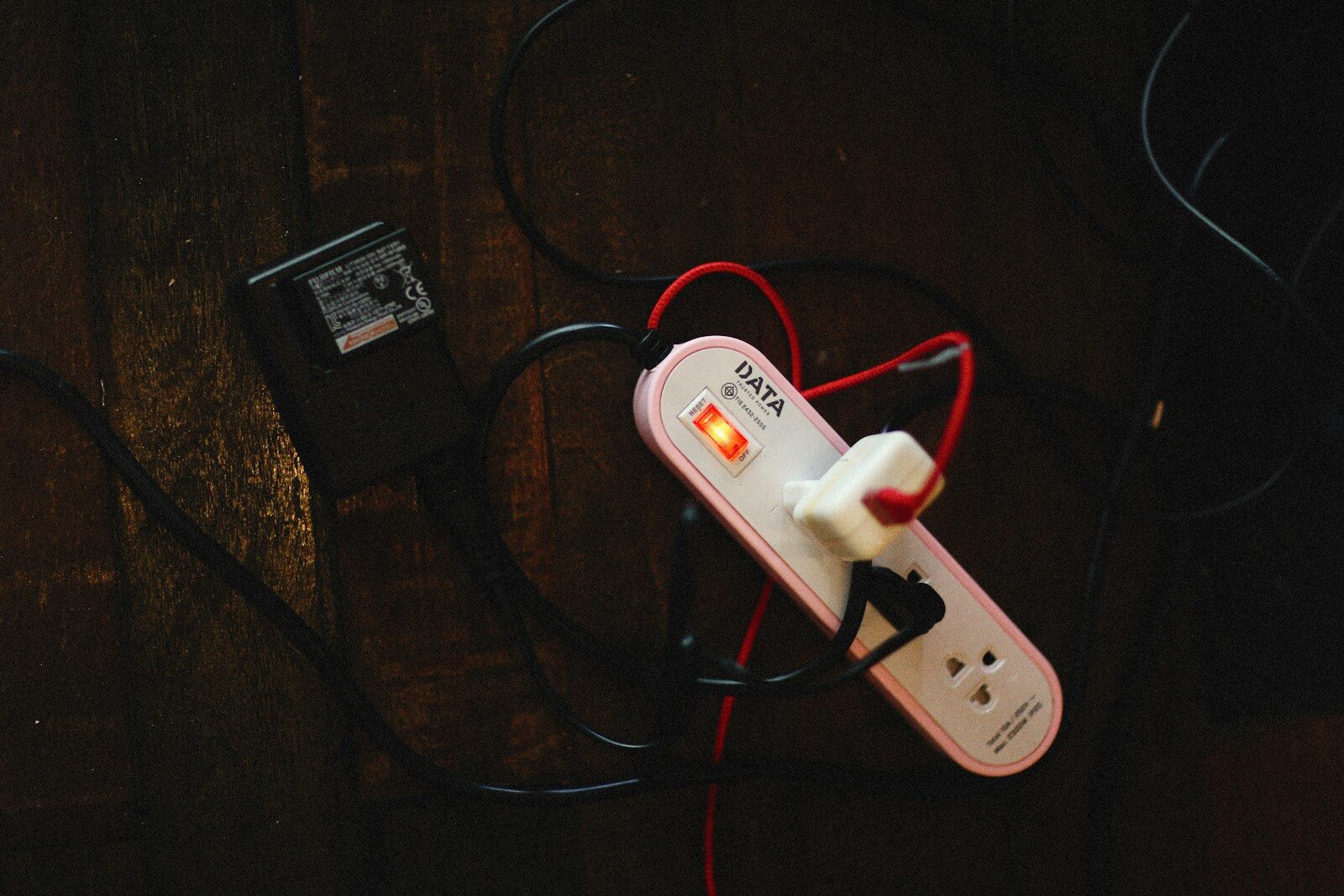
Your television is off. The phone charger is empty. The coffee maker only shows the time. Even so, some of these devices may still use electricity.
This small draw is called standby power, phantom power, or vampire power. One device may use very little. A house full of devices can use more.
Does Unplugging Devices Save Money?
Yes, but the savings depend on the device. Older electronics, game systems, printers, cable boxes, speakers, and power bricks can be good places to check. The U.S. Department of Energy explains how to measure standby power instead of guessing.
Do not expect one phone charger to transform the electric bill. Heating, cooling, water heating, and large appliances often matter more. If you are looking at the bigger picture, our guide to home energy costs and efficiency upgrades shows why the largest loads deserve attention first.
Measure Before You Start Unplugging
A plug-in electricity meter makes this easy. Plug the meter into the wall, then plug the device into the meter. Check the reading while the device is off or idle. A basic electricity usage meter can help you find the loads that are actually worth your time.
One watt used nonstop for a year equals about 8.76 kilowatt-hours. At 15 cents per kilowatt-hour, that is about $1.31 per year. A five-watt standby load would cost about $6.57 per year at that rate.
The math helps put small loads in perspective. It also helps when planning for an outage. Our comparison of a portable power station and generator uses the same basic idea: know the load before choosing the solution.
Start With the Warm Power Bricks
Walk through the house and touch old external power supplies carefully. If a power brick stays warm while the device is not being used, it deserves a closer look. Entertainment centers and home offices are also good places to measure several devices together.
For a television, speakers, console, and other gear that can safely lose power together, an advanced power strip can be easier than pulling several plugs each day. Use one only when cutting power will not interrupt updates, recordings, clocks, or other needed functions.
Use Sleep Settings Too
Computers, monitors, printers, and game systems often have sleep or power-saving settings. Set them to sleep after a short idle period. Turn off wake features you do not use.
This is also a good time to think about how many devices are drawing from the grid at once. Our look at the Texas power grid and summer demand explains why many small choices can matter more when demand is high.
Do Not Unplug Everything
Some equipment should stay powered. Smoke alarms, medical devices, security systems, sump alarms, routers needed for monitoring, and other safety gear may need continuous power.
Some electronics also need a normal shutdown before power is removed. Check the maker’s instructions when you are unsure. Saving a few dollars is not worth creating a safety problem or damaging equipment.
Think Beyond the House
The same habit helps with camping and backup power. You need to know what each device uses before deciding how much battery capacity you need. This portable power station guide from Noah’s Outdoors is a useful example of matching stored power to the gear you want to run.
A Simple Vampire Power Check
- Measure older electronics and warm power bricks.
- Group suitable entertainment gear on a switched power strip.
- Unplug spare chargers that sit unused for long periods.
- Use sleep settings on computers, monitors, printers, and consoles.
- Leave safety and medical equipment powered as required.
- Spend most of your energy-saving effort on the largest loads.
Small Savings Still Count
Vampire power is real, but it is not hiding a fortune in every outlet. Measure first. Cut waste where it makes sense. Then put most of your effort into the parts of the home that use the most energy.