Sports streaming is easier than cable in some ways and more confusing in others. We can cancel faster, watch on more devices, and buy smaller packages. But live sports rights are now spread across network apps, league services, cable-replacement bundles, local channels, regional sports networks, and exclusive streaming platforms.
That means there is no single “best sports streaming service” for every fan in 2026. The right setup depends on the teams and leagues you actually follow. A college football fan, an NBA fan, and someone who only wants a hometown baseball team can need three very different combinations.
The Bundle Is Back, but It Looks Different
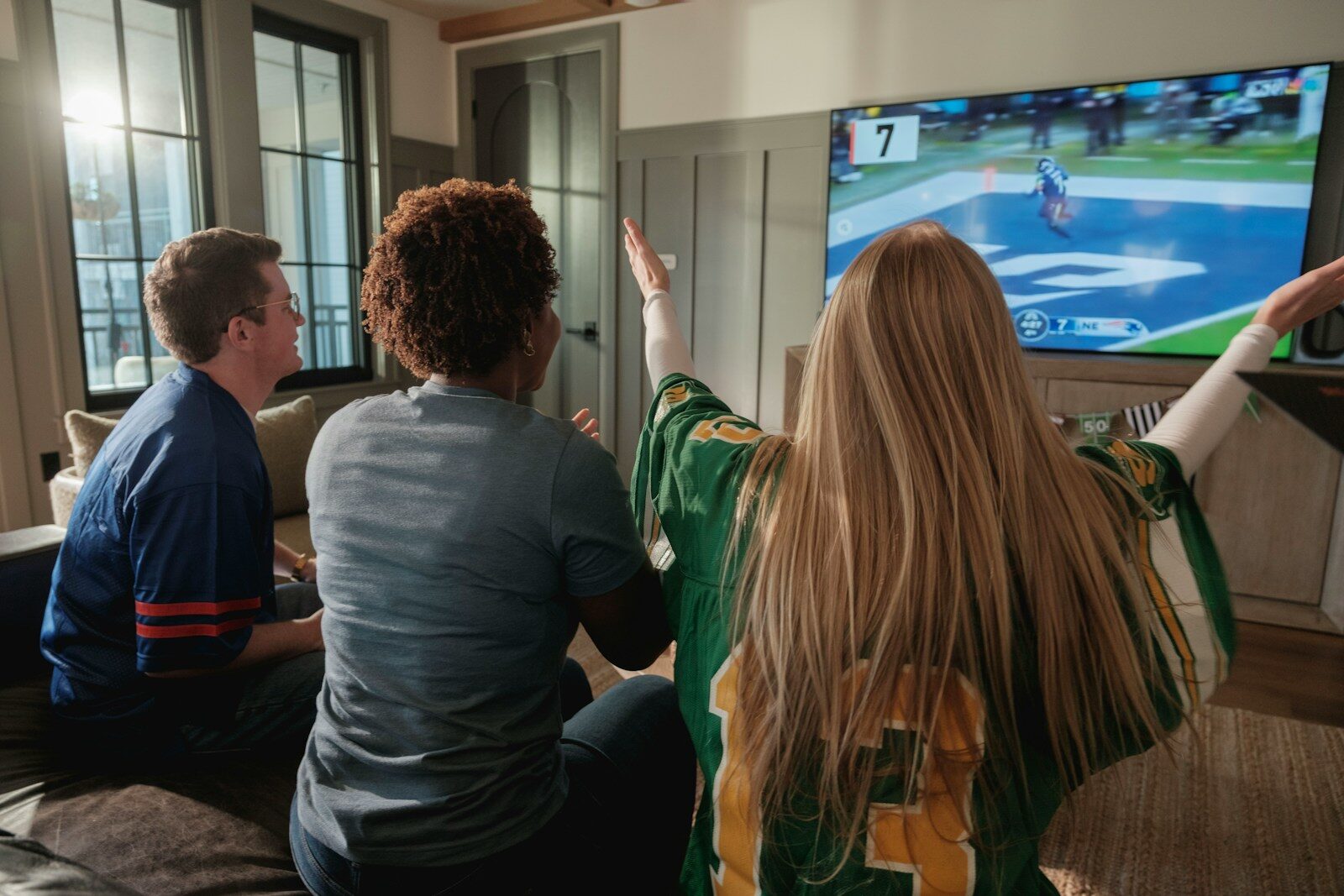
Streaming started as the escape from the cable bundle.
Now the bundle is coming back.
The strongest current example is the ESPN Unlimited and FOX One bundle. It currently costs $39.99 per month and combines ESPN Unlimited with FOX One.
That gives fans access to ESPN’s major networks and FOX channels such as FOX, FS1, FS2, Big Ten Network, and FOX Deportes, with local FOX stations where available.
The sports reach is broad. It can include NFL, NBA, WNBA, MLB, NHL, college football and basketball, NASCAR, INDYCAR, UFC, FIFA World Cup coverage, and more.
But here is the very 2026 part: one subscription does not mean one app.
FOX says content from each service is still accessed separately. You get one monthly charge, but you activate and use both ESPN and FOX One.
A Bundle Can Simplify Billing Without Simplifying Everything
This is an important distinction.
We tend to hear “bundle” and imagine one place where every game lives.
That is not always what streaming companies mean.
A bundle may give us:
- one discounted price;
- one billing relationship;
- access to several services;
- but separate apps, interfaces, watch lists, and account activations.
That can still save money.
It just does not fully solve the game-finding problem.
There Are Really Four Types of Sports Streaming Packages
I think sports streaming gets easier once we stop putting every service in the same bucket.
Most sports access now falls into four broad groups.
1. Direct Network Services
These come from the media companies that own major sports channels and rights.
ESPN Unlimited and FOX One fit here.
Peacock, Paramount+, and Prime Video also carry important live sports, though their sports rights differ.
These services can be inexpensive compared with a full live-TV bundle, but one network family rarely owns every game a serious fan wants.
2. Cable-Replacement Live TV Bundles
Services such as DIRECTV streaming packages, YouTube TV, Hulu + Live TV, and Fubo try to replace a traditional cable or satellite package.
They can combine broadcast stations, sports channels, news, entertainment, DVR, and account management in one interface.
For a fan who follows many leagues, this can still be the least confusing option.
The trade-off is price.
3. League-Specific Services
Leagues also sell their own products or partner with services for out-of-market access.
Examples can include NBA League Pass, MLB.TV, and other league packages.
These are great when your favorite team is outside your home market.
They can be frustrating when local blackout or rights rules mean the hometown game is the one you cannot watch through the league service.
4. Local and Regional Sports Access
This is often the hardest layer.
A local baseball, basketball, or hockey team may have rights tied to a regional sports network, local station, team-controlled service, or another market-specific platform.
That is why a national bundle can look perfect on paper and still miss the team you care about most.
Build Your Package Around Teams, Not Channels
This is the best advice I can give a sports fan.
Do not start by asking which streaming service has the most sports.
Start with your teams.
Write down what you actually watch:
- favorite NFL team;
- college team;
- NBA or WNBA team;
- MLB team;
- NHL team;
- soccer club or league;
- racing series;
- golf, tennis, combat sports, or other events.
Then map each one to its current rights.
That gives you a real shopping list.
One League Can Still Require Several Platforms
The WNBA is a good example of how broad distribution can help reach while also creating complexity.
Its 2026 national games and events are spread across major partners including ABC and ESPN, NBC and Peacock, Prime Video, CBS and Paramount+, ION, USA Network, and NBA TV.
Our guide to WNBA growth and the league’s new media-rights era explains why that distribution is a major business win.
For the fan, though, it means “I watch the WNBA” is not enough to tell us which one service to buy.
That pattern shows up across modern sports.
Broadcast TV Is Still More Valuable Than People Think
Do not forget the antenna.
Many important games still air on broadcast networks such as ABC, CBS, FOX, and NBC.
If you live within range of local stations, an over-the-air TV antenna can deliver those channels without a monthly TV subscription.
That will not solve every sports need.
It can remove part of the monthly bill.
And because broadcast rights remain important for leagues trying to reach large audiences, the antenna is not obsolete.
ESPN Unlimited Changed the Sports-Streaming Math
ESPN’s direct-to-consumer move matters because ESPN channels used to be one of the main reasons a sports fan needed a cable-style package.
Now ESPN Unlimited gives eligible direct subscribers access to ESPN’s major linear networks and other ESPN content without requiring a traditional pay-TV bundle.
NFL Network was also added to the ESPN app for Unlimited subscribers in 2026.
That makes a smaller sports-only setup more realistic for some households.
It does not make every cable-replacement service unnecessary.
FOX One Filled Another Big Gap
FOX One became FOX’s direct streaming home for its major channels.
FOX also ended the old FOX Sports connected-TV app experience in May 2026 and moved that viewing path toward FOX One.
For sports fans, this means direct access to FOX sports programming no longer depends only on a cable-style login.
Combine that with ESPN Unlimited and a fan can cover a large part of the national sports calendar for less than many full live-TV packages.
Again, “large part” is not “everything.”
TNT and TBS Still Matter for Some Fans
This is where the neat ESPN-plus-FOX answer can break.
Depending on the sport and season, TNT, TBS, and other Warner Bros. Discovery outlets may still matter to your viewing plan.
A fan who needs those channels may prefer a live-TV bundle or another service combination.
That is why the cheapest bundle is not always the cheapest complete bundle.
DIRECTV MySports Shows Another Bundle Strategy
DIRECTV now sells a MySports genre pack built around sports channels rather than a large general entertainment bundle.
It includes ESPN Unlimited and a range of sports and national channels.
DIRECTV also offers a MyHome Team add-on for regional sports networks in supported markets.
That approach is interesting because it recognizes what many cord-cutters actually wanted all along:
Give me the sports package without forcing me to buy a hundred unrelated entertainment channels.
Whether it saves money depends on the exact local channels and add-ons you need.
Regional Sports Networks Are Still the Wild Card
Local sports rights remain one of the biggest reasons a fan can struggle to leave cable-style television completely.
Regional sports networks can vary by ZIP code, league, team, and provider.
Some have direct-to-consumer options.
Some appear inside larger live-TV packages.
Some teams have moved games to local broadcast stations or newer distribution models.
Our current guide to the Xfinity Regional Sports Network fee and changing TV packages shows how local sports costs can still be built into a television plan even when the billing language changes.
Blackouts Have Not Disappeared
Streaming did not eliminate sports blackouts.
A league service may offer an out-of-market game while local rights prevent the same stream from being available in the team’s home region.
Some events can also have national exclusivity rules.
This is why you should check the blackout policy before paying for a full season.
A service saying it carries MLB, NBA, NHL, or another league does not automatically mean it carries every game for your local team.
ZIP Code Matters More Than It Should
Two people can subscribe to the same live-TV service and receive different local sports coverage because they live in different markets.
Local ABC, CBS, FOX, NBC, and regional sports availability can vary.
Always enter your real home ZIP code when checking a service’s channel lineup.
Do not rely on a national list from a review site.
Sports Fans Need to Watch Promotional Prices
Introductory pricing can make a bundle look much cheaper than it will be over a full season.
Before signing up, check:
- the regular monthly price;
- when the promotion ends;
- whether taxes or fees are extra;
- whether an add-on renews automatically;
- whether the annual plan is refundable;
- whether cancellation takes effect immediately or at the end of the billing cycle.
The price that matters is the one you will actually pay in month three, not only month one.
Seasonal Subscriptions Can Save Real Money
One advantage streaming still has over old cable contracts is flexibility.
If you only watch college football, you may not need the same sports package in February.
If baseball is your main sport, your needs may change after the World Series.
If you only need a service for one playoff or tournament window, subscribe for that period and cancel.
Our companion guide to cord-cutting for sports fans goes deeper into how seasonal switching can reduce the annual bill without pretending every month has the same viewing needs.
Do Not Pay Twice for the Same Channels
This happens easily.
You may already receive ESPN through a live-TV service and then separately pay for ESPN Unlimited.
You may have Paramount+ inside another bundle.
You may get Peacock through an internet or mobile promotion.
You may already have Prime Video because of a broader Prime membership.
Before adding a sports package, list every subscription you already have and what it includes.
Duplicate access is one of the quiet ways streaming bills grow.
DVR and Multiview Can Be Worth Paying For
Price is not the only value.
Sports fans should also compare:
- cloud DVR;
- how long recordings are kept;
- multiview;
- simultaneous streams;
- home and travel restrictions;
- picture quality;
- latency;
- replays;
- start-from-beginning options;
- game alerts;
- stats and fantasy integrations.
A slightly more expensive service can be better value if it makes the games much easier to watch.
Latency Matters for Live Sports
Live sports moments can be unforgettable, but streaming can run behind broadcast television or radio.
That becomes obvious when your phone notification tells you a touchdown happened before you see the play.
If spoilers bother you, disable scoring notifications during live games.
Also make sure your home network is stable before blaming the streaming provider. If an older player is the weak link, compare a current streaming media player before replacing more expensive gear.
A buffering problem can come from the service, the internet provider, Wi-Fi congestion, or the device itself.
Do Not Judge the Whole Service From One Bad Night
Major live events can create unusual demand.
If a stream struggles once, check whether the problem was widespread before replacing your whole home network.
On the other hand, repeated buffering across several events is a real reason to investigate the service, device, or connection.
Patterns matter more than one failure.
The Best Sports Bundle Is the Smallest One That Covers Your Real Games
I would build a sports setup in this order:
- List the teams and leagues you truly watch.
- Mark which games are national and which are local.
- Check what an antenna can cover.
- Find the smallest direct streaming bundle that covers the national rights.
- Add a local or league service only if you still need it.
- Check for overlap with subscriptions you already own.
- Use monthly cancellation to drop seasonal services when the sport ends.
That method is less glamorous than reading “Top 10 Best Sports Streaming Services.”
It is much more useful.
Streaming Is Rebuilding Cable One Piece at a Time
The funny thing about 2026 is that streaming is rediscovering several things cable already knew.
Fans like bundles.
They like one bill.
They like easy channel discovery.
They like a reliable live guide.
They do not want to remember which app owns Tuesday night.
The opportunity is to rebuild those good parts without bringing back the worst parts of old pay TV.
The Game Should Be Easier to Find
Sports streaming has improved access in real ways.
We can watch more games on more screens and buy direct access that did not exist a few years ago.
But the market is still fragmented.
The smart fan does not chase every service.
Start with the games you actually care about. Build the smallest package that covers them. Check local rights and blackouts. Use an antenna where it helps. Cancel seasonal subscriptions when you no longer need them.
Streaming does not have to be cheap to be useful.
It does have to make watching the game feel worth the bill.