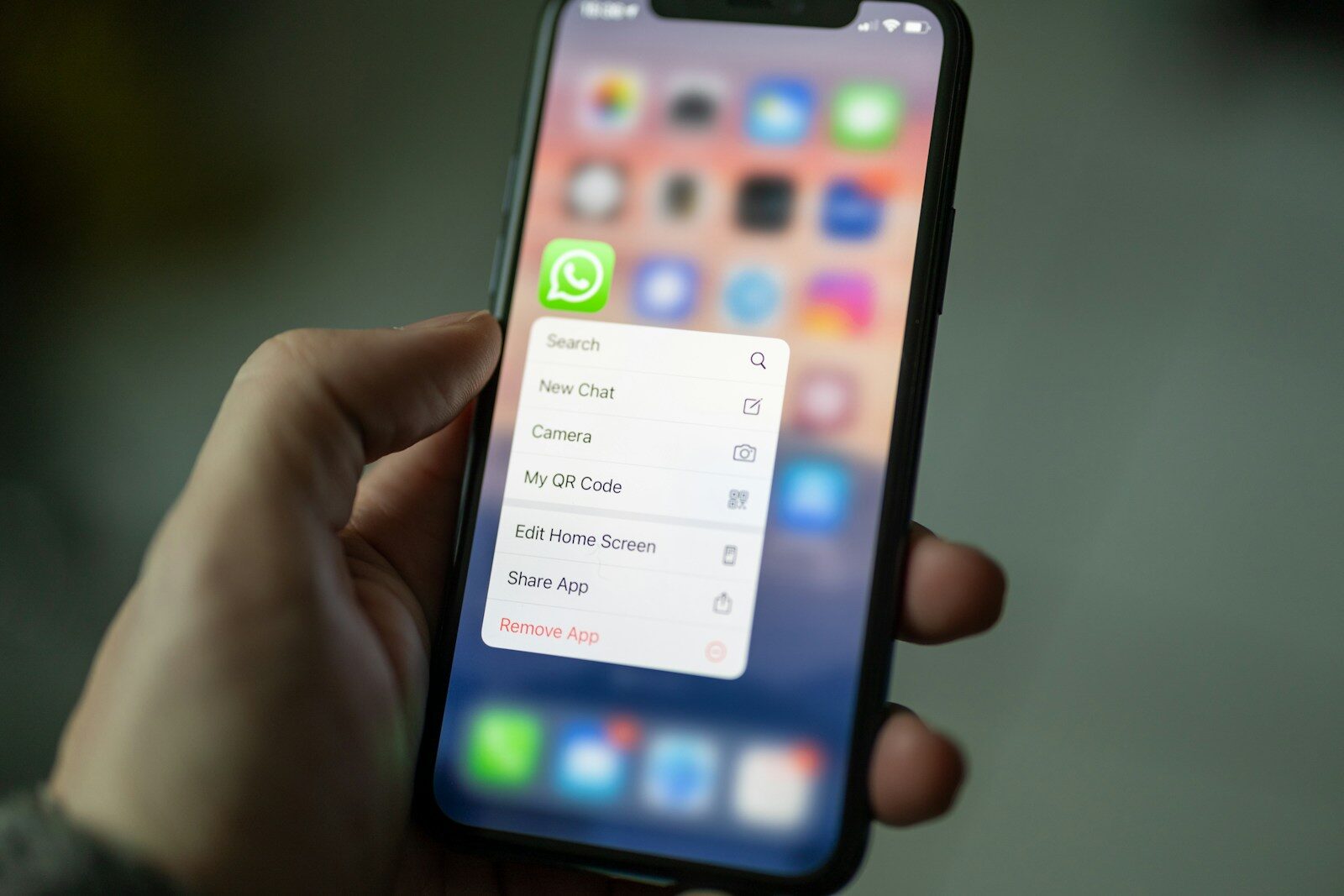
Deleting an app from a phone feels final. The icon disappears, storage space comes back, and it is easy to assume the company no longer has anything connected to you.
Usually, that is not what happened. Uninstalling removes software from the device. Your account, cloud files, purchase history, profile, subscriptions, and other records may still exist on the service.
Deleting the app and deleting the account are different jobs
Think of the app as a door into an account. Removing the door from one phone does not tear down the building behind it. If you can reinstall the app and sign right back in, the account was never deleted.
This distinction matters most with apps that hold photos, messages, payment details, location history, health or fitness records, and work files. It also matters with services you joined by using a Google, Apple, Facebook, or Microsoft sign-in.
Cancel paid subscriptions before you uninstall
Deleting an app normally does not cancel a subscription. Billing may be controlled by the Apple App Store, Google Play, PayPal, your mobile carrier, a credit card, or the company’s own website.
I would cancel first and save the confirmation. Then I would note the final access date. That gives you a record if another charge appears. The same habit of checking the real agreement instead of trusting the screen is useful when dealing with recurring household costs and online services.
Export anything you want to keep
Account deletion may remove photos, receipts, contacts, messages, game progress, purchases, or files you cannot get back. Before pressing the final delete button, look for a download-data or export option.
Open the export after it arrives. A downloaded archive is not much comfort if it is incomplete or you do not know how to read it. I also keep important account records in a place I control instead of assuming one app will exist forever.
Use the service’s official deletion path
Look under Account, Privacy, Security, or Data settings in the app and on the company’s official website. Search the official help center if the option is hard to find. Avoid account-deletion links sent in unexpected emails or messages.
The Federal Trade Commission’s app privacy guidance is a useful reminder to review what information an app can access and to limit permissions that are not needed.
Account security also starts at home. Our plain guide to home Wi-Fi security covers strong passwords, router updates, guest networks, and other simple steps that reduce easy openings.
Remove connected sign-ins and permissions
If you used another account to sign in, review that provider’s connected-app list too. Removing a third-party connection does not always delete the account at the other company, but it closes a route you no longer need.
Check location, camera, microphone, contacts, photos, Bluetooth, and local-network permissions before uninstalling. Phones make these controls easier to review than they used to, and it is worth doing a permission check every few months.
A small hardware security key can add strong two-factor protection to important accounts that support security keys. It does not replace account deletion, but it can help protect accounts you decide to keep.
Do not forget old passwords
If the deleted service used a password that you reused somewhere else, change the other accounts. Better yet, give every important account its own password and use a password manager. Reused passwords turn one old breach into several problems.
For websites you operate, the same principle applies: fewer unnecessary accounts and stronger logins reduce exposure. WrightHost’s WordPress security guide explains why reducing unused access and keeping software current matter on the site-owner side too.
Cloud copies and legal records may remain
A deletion request does not always mean every byte disappears instantly. Companies may keep limited records for fraud prevention, tax, legal, security, backup, or transaction requirements. Shared files can also remain in another person’s account or workspace.
That is why I save the deletion confirmation. If the service gives a waiting period, note when it ends and try signing in afterward. If the account still works when it should not, use the company’s official privacy or support process.
A simple account-exit checklist
- Cancel subscriptions and recurring billing.
- Export photos, files, receipts, contacts, and other records you need.
- Use the official account-deletion tool.
- Remove connected Google, Apple, Facebook, Microsoft, or other sign-ins.
- Revoke permissions you no longer need.
- Change any password that was reused elsewhere.
- Save the deletion confirmation and date.
- Recheck later to make sure the account is actually closed.
While cleaning up digital accounts, it is also worth reviewing what your devices do when they appear idle. Our guide to vampire power and standby electricity takes the same practical approach: measure what is really happening before deciding what needs attention.
And if you use AI or other cloud tools for work, our look at generative AI in coding and creative work is another reminder that convenient online tools can involve accounts, stored work, and permissions worth understanding.
Remove the account, not just the icon
The empty spot on your home screen proves only that the app is gone from that device. If you really want to leave a service, handle billing, save what matters, delete the account through the official process, revoke access, and keep proof.
That takes a few more minutes than holding down an icon. It also gives you a much better chance of actually closing the digital door behind you.